VolumeMacros
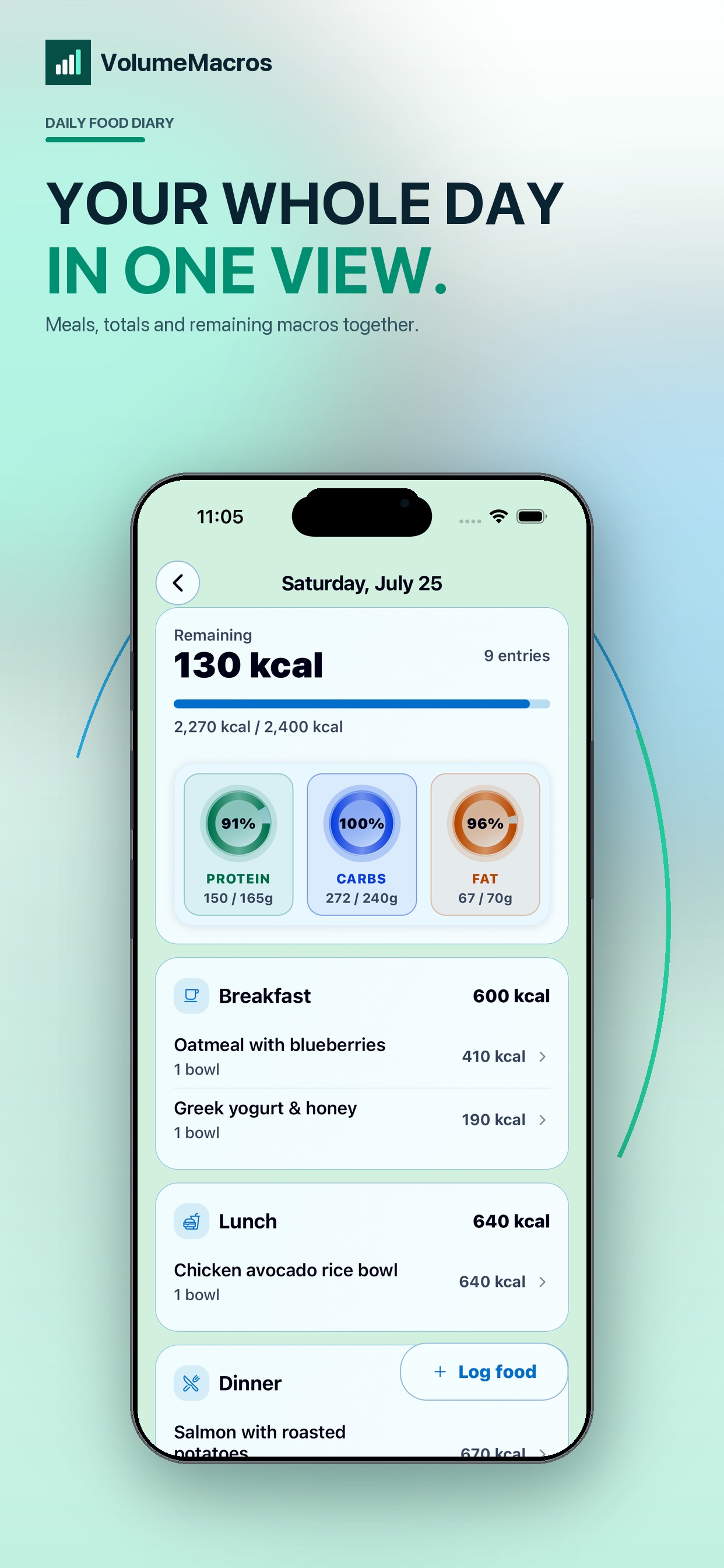
A clear daily view for food, remaining macros, estimated expenditure, weight trend, nutrients, supplements, and caffeine timing. It is currently iOS-only.
Macro tracker comparison
Both apps track food, calories, macros, and nutrients. VolumeMacros offers a focused iPhone experience. Cronometer offers deeper nutrient analysis across iOS, Android, and the web.
Quick verdict
A clear daily view for food, remaining macros, estimated expenditure, weight trend, nutrients, supplements, and caffeine timing. It is currently iOS-only.
A broad nutrition tracker with extensive nutrient data, biometrics, reports, device integrations, and access on iOS, Android, and the web.
Feature-by-feature
| Feature | VolumeMacros | Cronometer |
|---|---|---|
| Platforms | iOS | iOS, Android, and web |
| Calorie and macro logging | Yes | Yes |
| Custom foods and recipes | Yes | Yes |
| Camera-assisted logging | Food recognition | Barcode scanning; photo and voice logging with Gold |
| Adaptive energy guidance | Intake, expenditure, and weight trends | Goal-based energy targets and activity data |
| Nutrient detail | Macros and key nutrients | Up to 84 nutrients and compounds |
| Free plan | Free download with optional Pro | Basic plan with optional Gold |
| Health integration | Apple Health | Apple Health, Health Connect, and other devices |
Based on public product and help pages reviewed August 5, 2026. Features and availability can change.
Reviewed
VolumeApps publishes VolumeMacros. This page compares our product with Cronometer, so it is not an independent review.
We used each product's public pages and documentation. We avoided scores and unsupported performance claims.
Sources: Cronometer features, Cronometer plans, Cronometer integrations, and VolumeMacros.
Key difference
VolumeMacros keeps the day readable. Meals, remaining targets, estimated burn, weight trend, nutrients, supplements, and caffeine sit in one connected iPhone experience.
Cronometer puts more emphasis on nutrient depth, biometrics, reports, and integrations. It also works on Android and the web.
Choose VolumeMacros if
Choose Cronometer if
Try VolumeMacros
VolumeMacros is available now on iPhone.
FAQ
Yes, for iPhone users who want macro tracking, food logging, weight trends, and adaptive nutrition guidance. Cronometer suits people who want deeper nutrient analysis or Android and web access.
No. VolumeMacros is currently available only on iOS. Cronometer supports iOS, Android, and the web.
Cronometer emphasizes detailed micronutrient analysis and tracks up to 84 nutrients and compounds. VolumeMacros includes nutrient tracking within a streamlined iPhone experience.